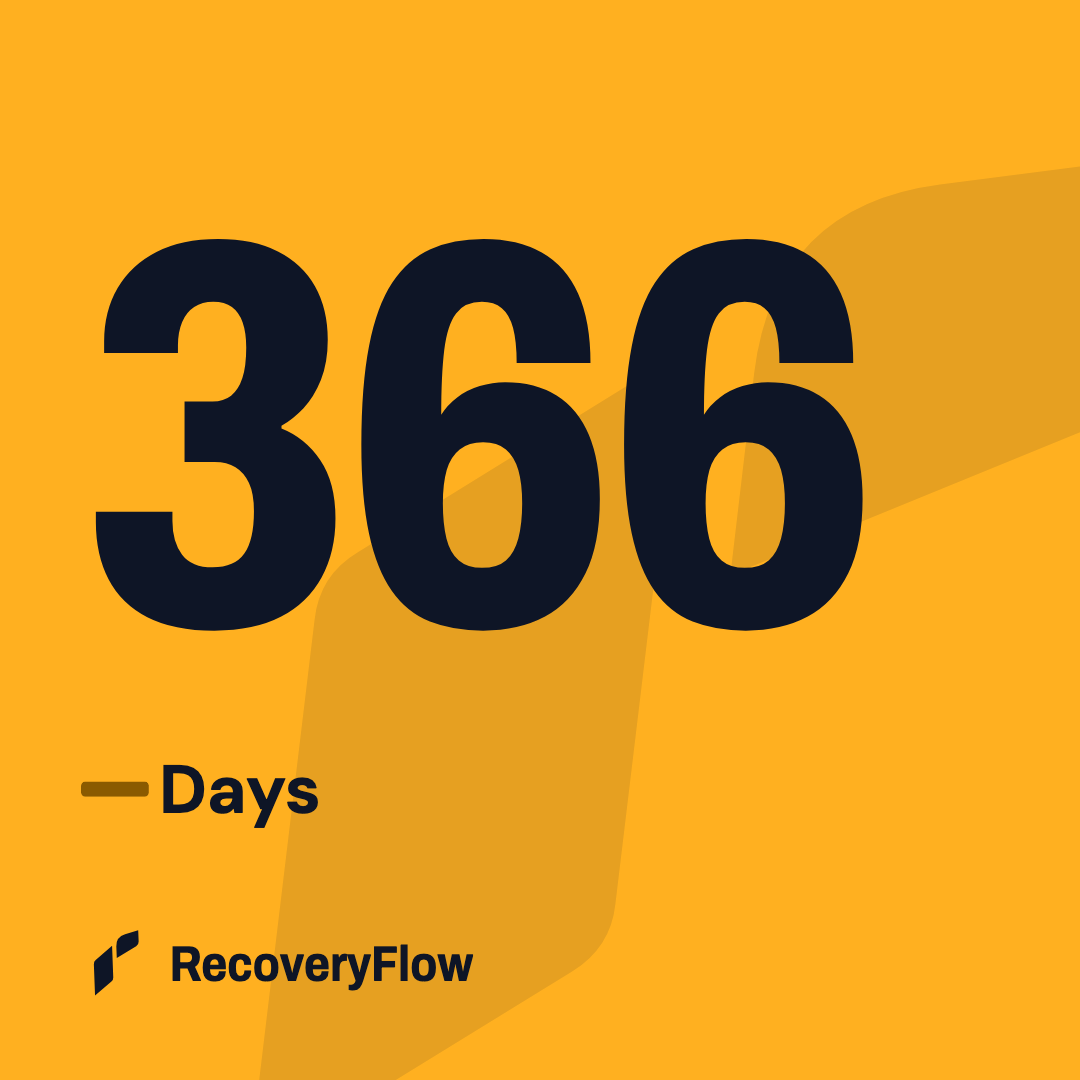
Count
Your recovery time, clearly counted.
Enter your start date. Your clock keeps counting, even when you don’t open the app.
366Days
Try a view. Same example date, different display.

Sobriety tracker & recovery calculator
Track your recovery time. Check in with one tap.
Create an image you’re proud to share.
FreeNo account neededSaved on your device
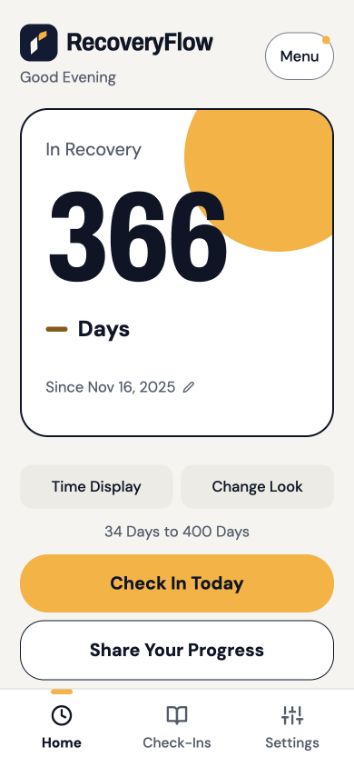
Example screen. Your time starts with your date.
What it does
Count
Enter your start date. Your clock keeps counting, even when you don’t open the app.
Try a view. Same example date, different display.
Check in
Save a daily check-in. Add a feeling or a note if you want to remember something.
Missing a check-in doesn’t reset your recovery time.
Share
Day three or year three. Choose a design, decide what to include, and share the finished image.
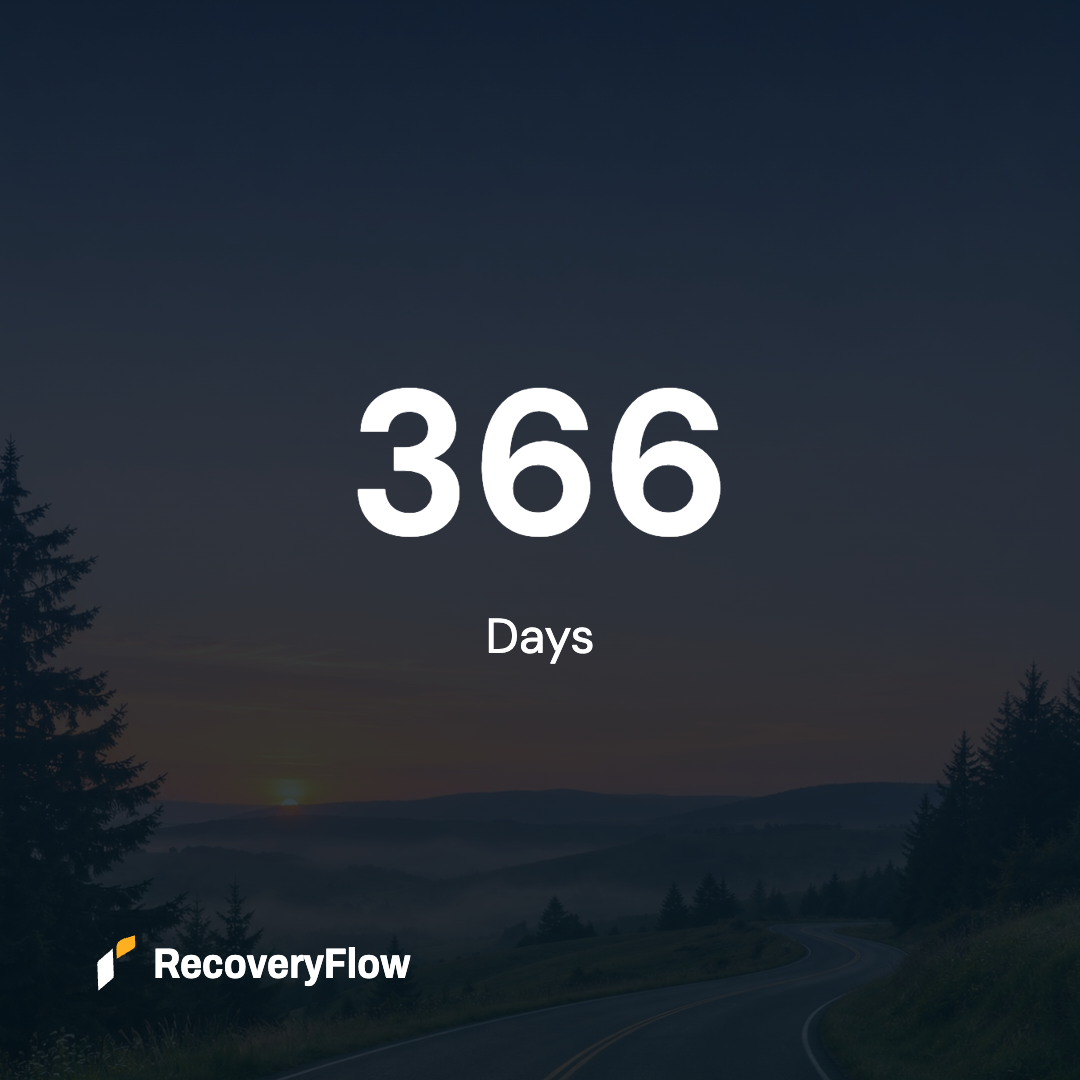
Personalize
Keep it simple with Basic, or choose a signature look, photo, or illustration.
Use Sober, Clean, Clean & Sober, In Recovery, or your own words.
Privacy
Your recovery dates and notes stay on your device unless you choose to export or share them.
Read the Privacy DetailsChanging phones or browsers? Save a backup first. Backup files aren’t encrypted, so keep them somewhere private.
Both. Enter your start date to calculate your recovery time. Keep using it as a tracker, with optional daily check-ins, notes, and sharing images.
No. Choose Sober, Clean, Clean & Sober, In Recovery, or your own wording. You also choose whether that wording appears on a sharing image.
Missing a check-in doesn’t reset your recovery time. Your clock keeps counting from your saved start date. Check-ins are a separate record of the days you checked in.
Yes, when you add a start time. Without a start time, the app counts calendar days. Weeks count groups of seven days. Months and years follow calendar anniversaries.
You can use RecoveryFlow in your mobile browser now. The iPhone app has been submitted for App Store review. Invited testers can use TestFlight. Public App Store and Android download links will appear here when available.
Not automatically. Your record stays in the app or browser where you saved it. Use Settings → Privacy & Backups to save a backup and restore it on another device. Backup files are not encrypted.

Enter your start date. See your recovery time.
Track My RecoveryFree in your browser. No account needed.